


- Store vehicles in your garage
- Get product recommendations
- Easily find products and accessories


SKU:
Low Stock
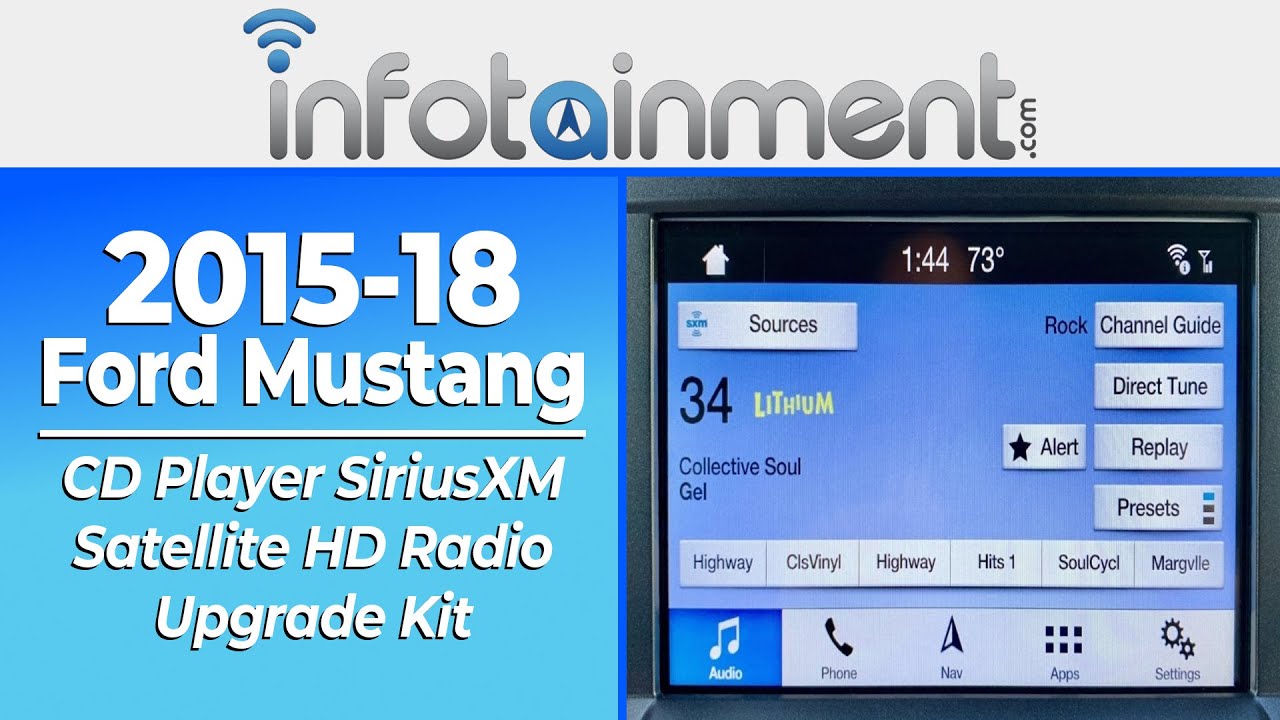
2015-2018 Ford Mustang CD Player SiriusXM Satellite HD Radio Upgrade Kit
Add protection plan
Recommended
 Fast Shipping Options
 Expert Advice
 30-Day Returns
 1-Year Warranty
Overview
Overview
SiriusXM Satellite HD Radio Upgrade Kit
Are you interested in adding SiriusXM® satellite radio to your Ford Mustang? Look no further than Infotainment.com. We offer pre-programmed plug & play factory OEM radio upgrades that feature a built-in SiriusXM satellite radio tuner. Compatible with both the 4-inch radio display and the 8-inch radio display.
Optional HD® Radio
Now offering SiriusXM satellite radio upgrades with optional integrated HD® Radio! If you would like to take advantage of HD Radio be sure to select it before adding the kit to your cart. Please note - HD Radio is compatible only with 8-inch radio displays.
Antenna Options
Factory OEM Roof Mount - This antenna is a 100% factory OEM Ford® part. It is designed to be installed on your vehicle's roof (coupe) or trunk lid (convertible). Great option for those who want a factory fit & finish. Drilling is required, recommended for an experienced DIY installer.
Aftermarket Magnetic Mount - This high-quality aftermarket antenna magnetically installs on the exterior of the vehicle. Double-sided tape may be needed to adhere the antenna to certain portions of the Mustang body. Great option for a novice DIY installer.
Programming Options
Once the kit is installed you will need to program your vehicle's factory installed radio display. This is needed so the SiriusXM option appears on-screen. A programming fob by OBD Genie will be required to perform the programming procedure in your vehicle. However, you will not need this programmer if you are upgrading from a 4-inch to 8-inch Sync 3 system from Infotainment.com. We will pre-program the system prior to shipping. Be sure to select the appropriate option before adding the kit to your cart.
Product installation
Product installation
Vehicle Compatibility
Vehicle Compatibility
Make
Model
Year
Ford
Mustang
2015-2018
Reviews and Q/A
Reviews and Q/A
Recommended for you


SKU #: F-BDLS3S4NAV-20B5


