


- Store vehicles in your garage
- Get product recommendations
- Easily find products and accessories


SKU:
Low Stock
2016-2019 Ford Explorer Sync 4 SiriusXM X65 Upgrade
Add protection plan
Recommended
 Fast Shipping Options
 Expert Advice
 30-Day Returns
 1-Year Warranty
Overview
Overview
Introducing the 2016-2019 Ford Explorer Sync 4 SiriusXM X65 Upgrade
- Important: 2018 Explorer trucks equipped with the B&O Audio System MUST upgrade to the SiriusXM X65 & HD Radio variant (top dropdown) to retain audio from their factory amplifier.
The perfect solution for your entertainment needs just rolled in! If you’ve upgraded to the 8" Sync 4 GPS Navigation Touchscreen Retrofit Upgrade but noticed that SiriusXM and your radio presets disappeared, we’ve got you covered. This SiriusXM X65 Upgrade for 2016-2019 Ford Explorer's that restores SiriusXM functionality and even offers HD Radio as an optional add-on -all while enhancing the value and function of your truck.
Stay entertained, stay connected, and never miss a beat with this OEM plug-and-play retrofit upgrade.
Why Choose the SiriusXM X65 Upgrade?
Our SiriusXM X65 Upgrade does more than just restore your truck’s entertainment features—it transforms them.
Experience the Enhanced SiriusXM X65 Platform
Elevate your time on the road with the cutting-edge features of SiriusXM X65, including:
- Album Art: See vibrant visuals of album covers right on your screen for a more immersive experience.
- Station Identification: Find your favorite channels with ease thanks to clearer station labels.
- Mix Mode Presets: Seamlessly switch between AM, FM, and satellite radio in one place without toggling sources.
- Personalized Streaming: Access more content on the go via the SiriusXM app for a truly custom listening experience.
Your long drives will never feel the same again!
Added Bonus – Integrated HD Radio
Eliminate static, fuzzy reception, and radio hiss with HD Radio. Enjoy unparalleled sound quality paired with digital extras like album art, song information, traffic updates, and weather alerts—directly on your vehicle's screen.
Please Note:
- SiriusXM requires a corresponding subscription service.
- SiriusXM coverage is limited to the 48 contiguous United States, D.C., and Puerto Rico (with coverage limitations).
Why Buy from Infotainment.com?
At Infotainment.com, we make upgrading your vehicle a breeze. Here’s why we’re your go-to source for OEM solutions:
- Guaranteed Compatibility: Every product is tailored to fit like it came straight from the factory.
- Plug-n-Play Installation: No cutting or splicing wires—just follow our DIY, installation video.
- Unbeatable Quality: Our upgrades are OEM-grade for a flawless experience.
- Customer Support: Need help during installation? We’re here for you, every step of the way.
When you choose Infotainment.com, you’re not just getting an upgrade—you’re getting a premium experience.
How to Get Started
Don’t settle for “just good enough.” Transform your truck’s entertainment system today with the 2016-2019 Ford Explorer Sync 4 SiriusXM X65 Upgrade.
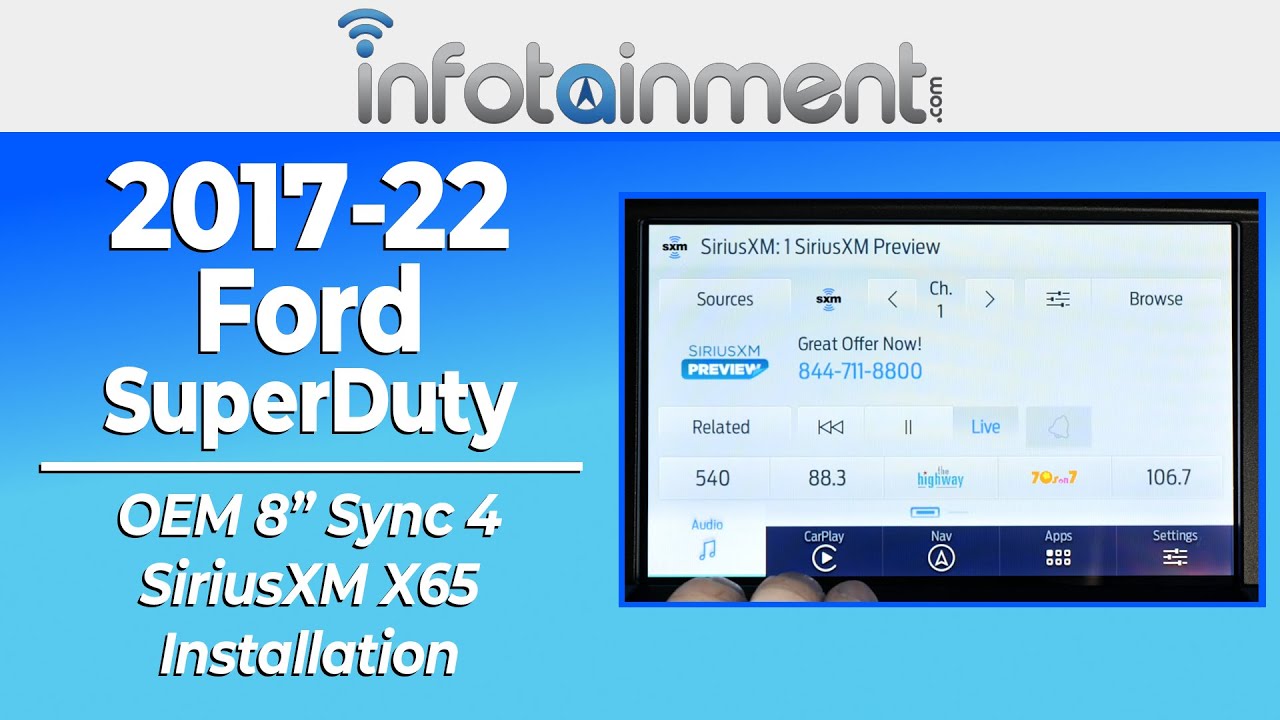
Product installation
Product installation
Vehicle Compatibility
Vehicle Compatibility
Make
Model
Year
Ford
Explorer
2016-2019
Things to Know
Things to Know
Reviews and Q/A
Reviews and Q/A


