


- Store vehicles in your garage
- Get product recommendations
- Easily find products and accessories


SKU:
Low Stock
2020-2022 Ford SuperDuty SiriusXM Satellite HD Radio Upgrade Kit
Add protection plan
Recommended
 Fast Shipping Options
 Expert Advice
 30-Day Returns
 1-Year Warranty
Overview
Overview
Give your Ford SuperDuty the features it deserves with a SiriusXM Satellite HD Radio Upgrade
Are you interested in adding SiriusXM® satellite radio to your Ford SuperDuty truck? Look no further than Infotainment.com. We offer pre-programmed plug & play factory OEM radio upgrades that feature a built-in SiriusXM satellite radio tuner. Compatible with both the 4-inch radio display and the 8-inch radio display.
Optional HD® Radio
Now offering SiriusXM satellite radio upgrades with optional integrated HD® Radio! If you would like to take advantage of HD Radio be sure to select it before adding the kit to your cart. Please note - HD Radio is compatible only with 8-inch radio displays.
Antenna Options
Factory OEM Roof Mount - This antenna is a 100% factory OEM Ford® part. It is designed to be a direct replacement of the antenna that's on your vehicle's roof. Great option for those who want a factory fit & finish.
Aftermarket Magnetic Mount - This high-quality aftermarket antenna magnetically installs on the exterior of the vehicle. Double-sided tape may be needed to adhere the antenna to the late-model Ford truck aluminum roof. Great option for a novice DIY installer.
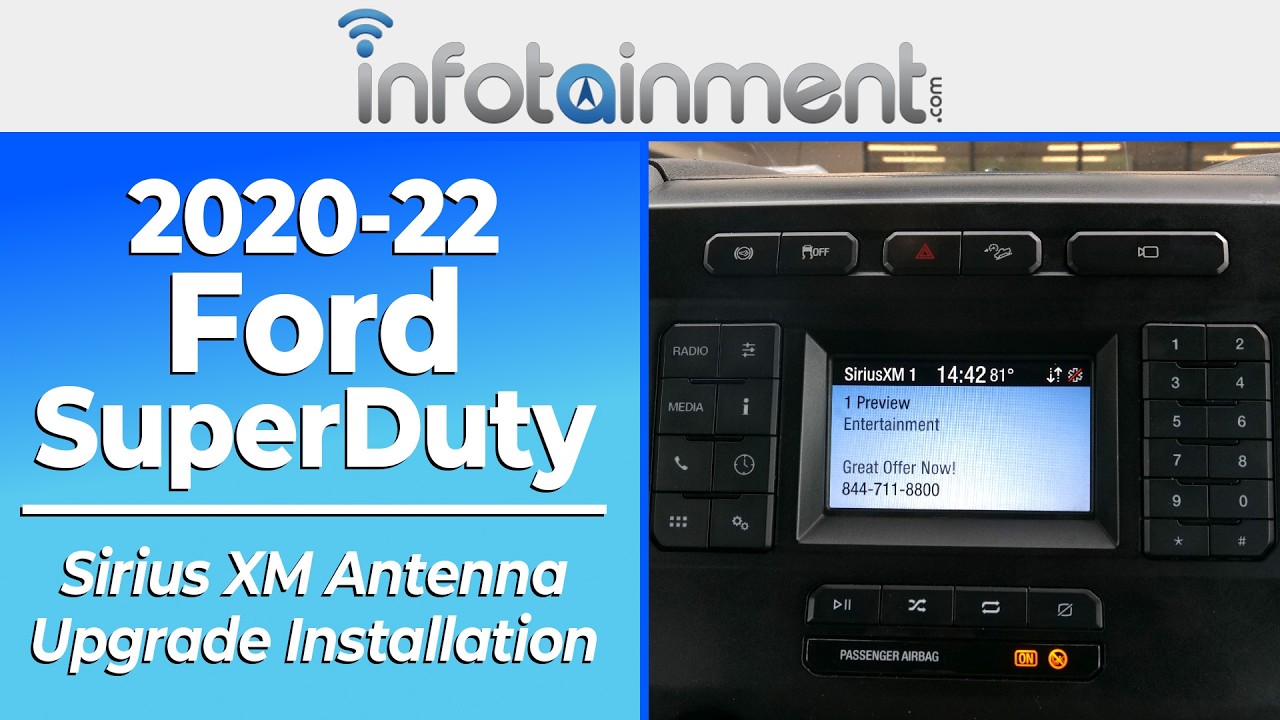
Product installation
Product installation
Vehicle Compatibility
Vehicle Compatibility
Make
Model
Year
Ford
F-250
2020-2022
Ford
F-350
2020-2022
Things to Know
Things to Know
Reviews and Q/A
Reviews and Q/A


