Welcome to the all-new Infotainment.com!
Find parts for your car
Low Stock

2020-2025 Ford Transit Sync 4™ NAV 8" Touchscreen Display Retrofit with Wireless Apple CarPlay™ I Android Auto™

$0.00
Add protection plan Recommended
Fast Shipping Options Fast Shipping Options
Expert Advice Expert Advice
30-Day Returns 30-Day Returns
1-Year Warranty 1-Year Warranty

Overview

Upgrade Your 2020–2025 Ford® Transit to Sync 4™ NAV 8" Touchscreen Display with Wireless Apple CarPlay™ & Android Auto™

Modernize your vehicle with the ultimate factory OEM 8" SYNC 4™ GPS Navigation upgrade from Infotainment.com. Designed specifically for 2020-2025 Ford Transit, this plug-and-play retrofit delivers the technology found in newer models while retaining the factory features you rely on every day.

Your Ford Transit is Working Hard, But Your Infotainment System Isn't

Your Ford Transit is built to work hard, whether it's used for deliveries, passenger transport, business operations, or weekend adventures. But an outdated SYNC system with a small, low-resolution screen can make everyday driving less convenient.

Navigation is harder to see, connectivity is limited, and wired smartphone integration means dealing with charging cables and clutter. A modern touchscreen upgrade gives you a larger display, improved visibility, and the convenience of today's technology.

Every Day Your Outdated System Costs You Time, Money, and Safety

An outdated infotainment system can make every trip more difficult than it needs to be. Small screens are harder to read, navigation can be less convenient, and limited connectivity can impact both drivers and passengers.

Whether you're heading to a job site, making deliveries, transporting passengers, operating a mobile business, or traveling cross-country, modern technology helps keep you connected, informed, and efficient. Your Ford Transit was built to get the job done—its infotainment system should be just as capable.

Sync 3™ 8" to Sync 4™ 8" Upgrade:

Sync 3 Lite™ 4" to Sync 4™ 8" Upgrade:

2020+ Sync 3 to Sync 4 Ford Transit Radio Upgrade Touchscreen with Wirless Apple CarPlay & Android Auto 8" to 8" Before & After

    Premium Features

    ✔ 8" High-Definition Ford® Touchscreen Display
    ✔ Wireless Apple CarPlay® Compatibility
    ✔ Wireless Android Auto™ Compatibility
    ✔ Built-In GPS Navigation by TomTom®
    ✔ SiriusXM® X65 Capability
    ✔ Enhanced Backup Camera Viewing
    ✔ Bluetooth® Hands-Free Calling & Audio Streaming
    ✔ Retains Factory Vehicle Settings and Functions
    ✔ Genuine OEM Ford Components

    Why Upgrade?

    Retain your factory 8" screen or replace your factory 4" screen with a stunning 8" display that provides a more modern look, improved visibility, and easier access to your favorite features. Enjoy wireless smartphone connectivity, factory-integrated navigation, and a faster, more responsive user experience powered by SYNC 4.

    Unlike aftermarket systems, this upgrade is engineered to integrate seamlessly with your vehicle while maintaining the OEM appearance and functionality.

    Simple Plug-and-Play Installation

    This complete upgrade includes the components needed for an easy installation with no cutting or complicated modifications required. Detailed instructions and installation resources are provided to help make the process straightforward.

    Bring the technology, convenience, and premium appearance of today's newest Ford vehicles to your Transit without the cost of buying a new vehicle.

    Product installation

    Installation of this product would be rated a 2 out of 5. 1 being extremely easy and 5 being extremely difficult. It is recommended prior to installing any automotive electronics that the negative battery terminal be disconnected.

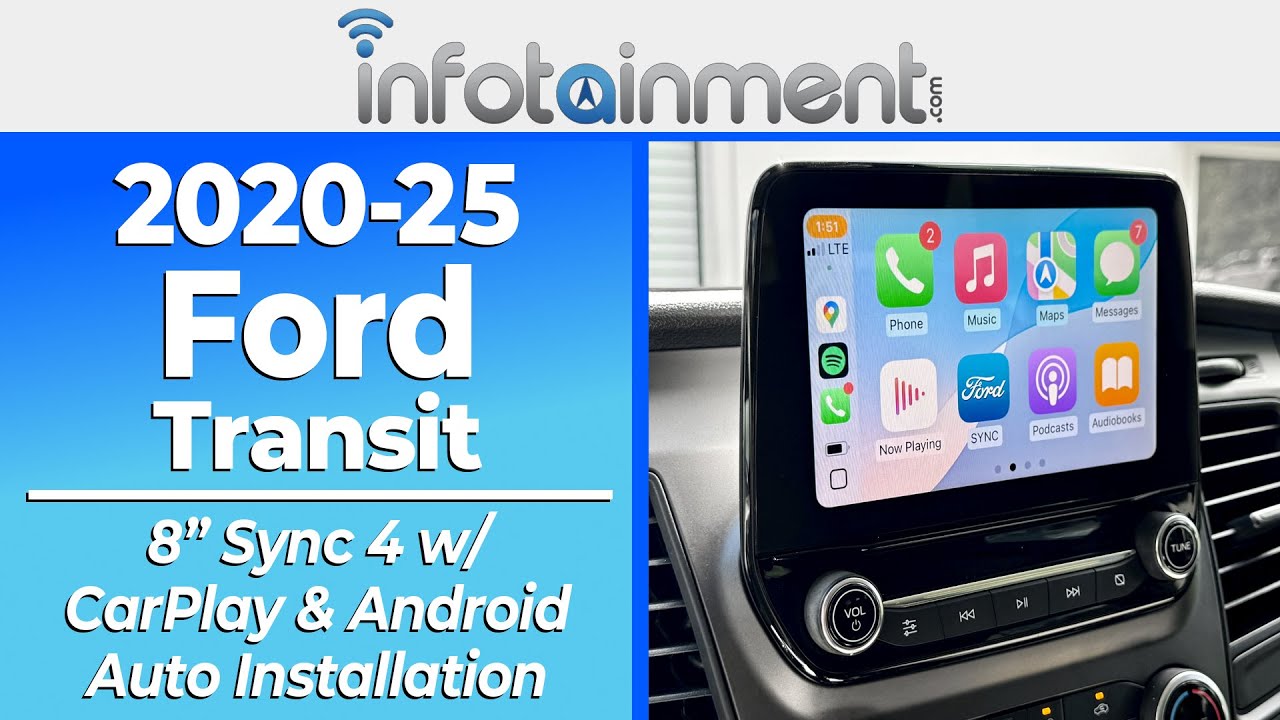
    Watch for Ford Transit Radio Upgrade 8" to 8" Installation:

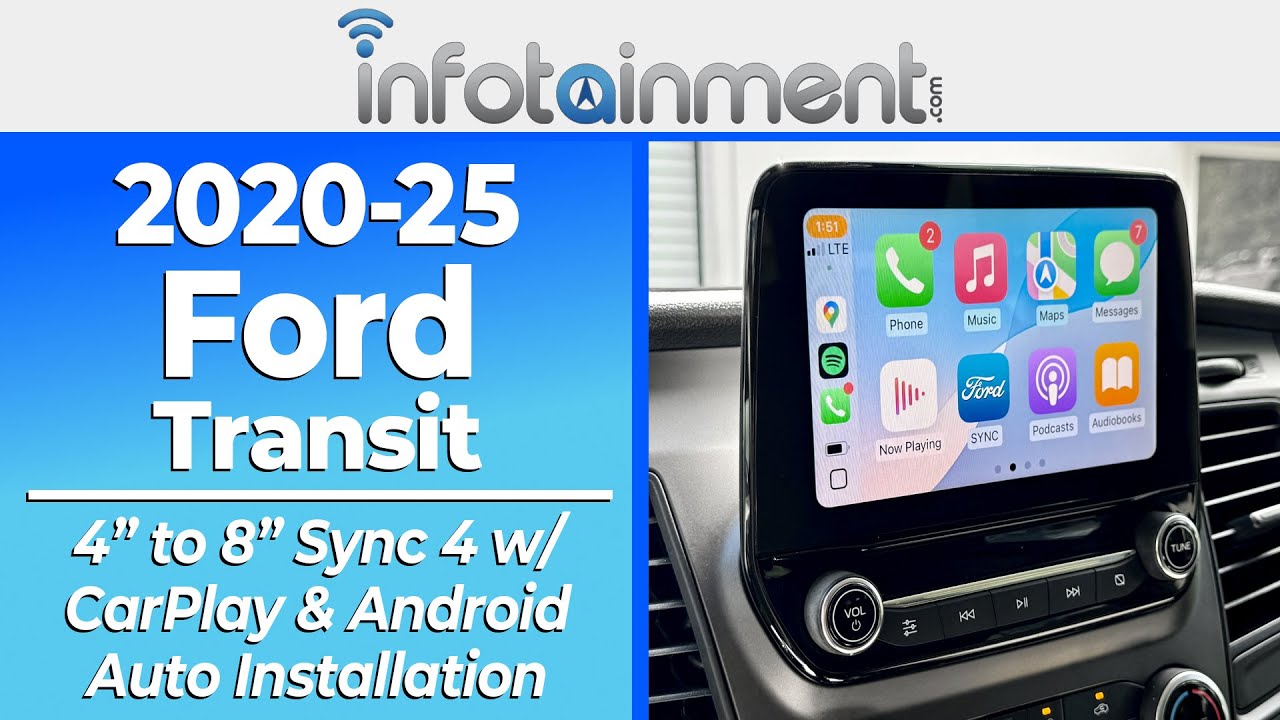
    Watch for Ford Transit Radio Upgrade 4" to 8" Installation:

    If you need any assistance along the way please feel free to visit our YouTube page or contact our customer support department.

    Vehicle Compatibility

    Make Model Year
    Ford Transit 2020-2025

    Things to Know

    Q: How long will it take to process and ship my order?

    A: Every upgrade we offer is carefully prepared and tailored specifically to your vehicle to ensure a premium, factory-quality experience from the moment it arrives. Fulfillment times can range from 2-10 business days, depending on parts availability and customization requirements.

    From the moment your order is placed, our team begins a detailed preparation process that includes:

    • Decoding your vehicle’s 17-digit VIN to verify compatibility and confirm all selected options are correct
    • Identifying and sourcing the exact components required for your specific vehicle, including genuine OEM parts
    • Verifying that all included plug-and-play wiring matches your vehicle’s exact factory specifications
    • Professionally programming and bench-testing your upgrade to ensure proper operation before shipment
    • Documenting the process with photos and/or videos for quality assurance
    • Carefully assembling your order for a secure shipment by our warehouse team
    • Coordinating with our customer service and technical support staff so they are fully prepared to assist you before, during, and after installation

    Our goal is simple: deliver a seamless, high-end upgrade experience with the attention to detail your vehicle deserves.

    Q: How can I tell if my Ford Transit with a 4" display is compatible with this upgrade?

    A: This upgrade is designed for Transits equipped with Sync®

    • Fully compatible with all Transits equipped with the 8-inch touchscreen display. IEVAL0 : Sync III
    • Fully compatible with Transits equipped with the 4-inch display featuring Sync®. If you see a star (*) symbol, your vehicle is compatible with this upgrade. Refer to the image below for an example. IEVAP0 : Sync Gen 3 Lite
    • Not compatible with Ford Transit models equipped with the IEVAA option code, which identifies a 4-inch display with Bluetooth® but without SYNC® functionality. Contact your advisor for the latest update on an upgrade being developed for Transits not equipped with Sync.

    Q: Will my rear backup camera continue to work as designed?

    A: Yes. Your factory backup camera remains fully functional and is pre-programmed to work with the new system.

    If you experience any back up camera issues after installation, please allow up to 48 hours for the system to sync fully and acclimate to your vehicle.

    Q: Will I retain factory installed SiriusXM® Satellite radio as well as AM/FM/SXM radio presets?

    A: Yes. If already equipped with factory SiriusXM® satellite radio, all functionality is retained, including mixed-mode AM/FM/SXM presets. Installation is plug-and-play using the included OBD Genie F-MXM programmer. If you would like to add SiriusXM, speak to your advisor for a plug & plug kit coming out soon.

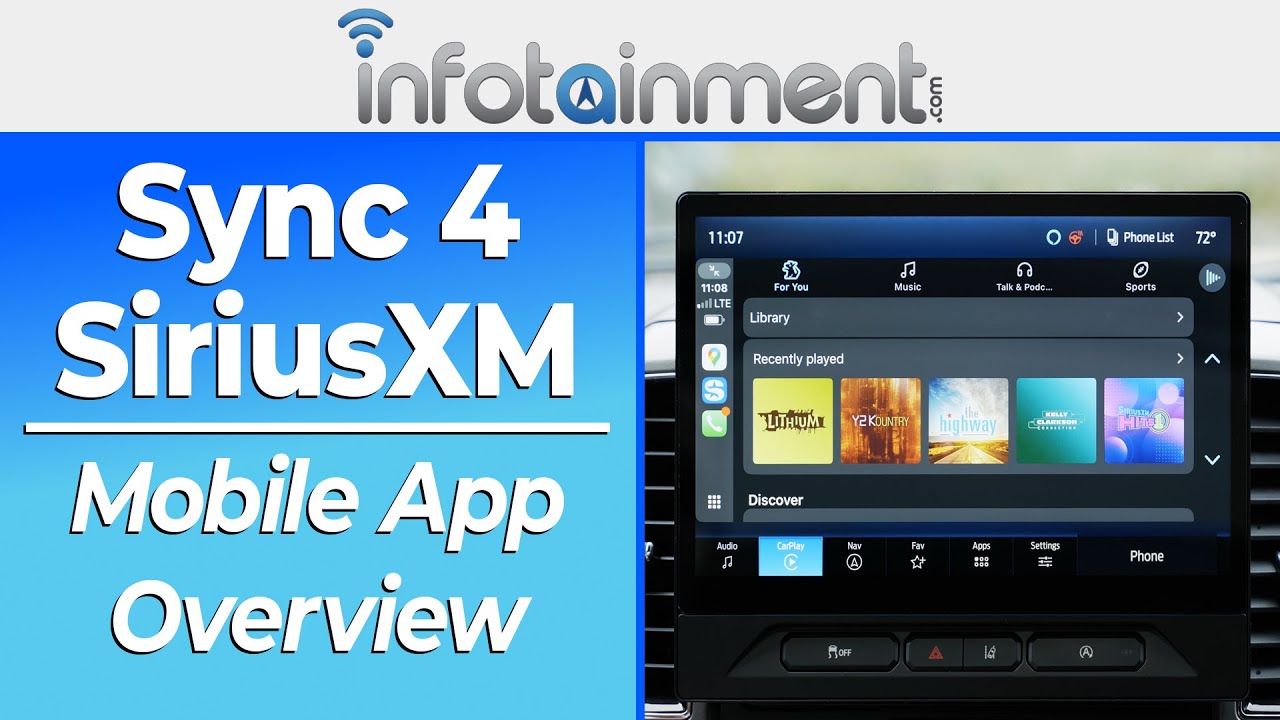
    • SiriusXM® now offers a powerful smartphone app that can be streamed directly through your vehicle using Apple CarPlay® or Android Auto™. This allows you to access your favorite channels, playlists, and on-demand content without upgrading your audio hardware. Check out our quick video for a demonstration of how it works.

    Q: How are future Sync 4 software updates installed?

    A: All systems ship with the latest available software. Future Sync 4 updates are not available over-the-air and must be installed at an Infotainment facility at no additional charge.

    Q: Will FordPass® continue to work?

    A: Yes, if your vehicle is equipped with FordPass®, functionality is retained. However, performing a Master Reset may disable FordPass®. Restoring FordPass® would require reinstalling the original Sync 3 system.

    Q: Will my factory steering wheel audio controls continue to work?

    A: Yes. The system is pre-programmed to function with your existing steering wheel-mounted audio controls.

    Q: Do I need to inform Infotainment if my vehicle has aftermarket additions?

    A: Yes. If your vehicle has non-factory additions, let us know in your Shopping Cart “Order Notes” so we can properly program and enable any required features that may not be present on your vehicle’s original build sheet.

    Reviews and Q/A