


- Store vehicles in your garage
- Get product recommendations
- Easily find products and accessories


SKU:
Low Stock
2019+ GMC Chevrolet Truck OEM Analog to Digital Backup Camera Upgrade
Add protection plan
Recommended
 Fast Shipping Options
 Expert Advice
 30-Day Returns
 1-Year Warranty
Overview
Overview
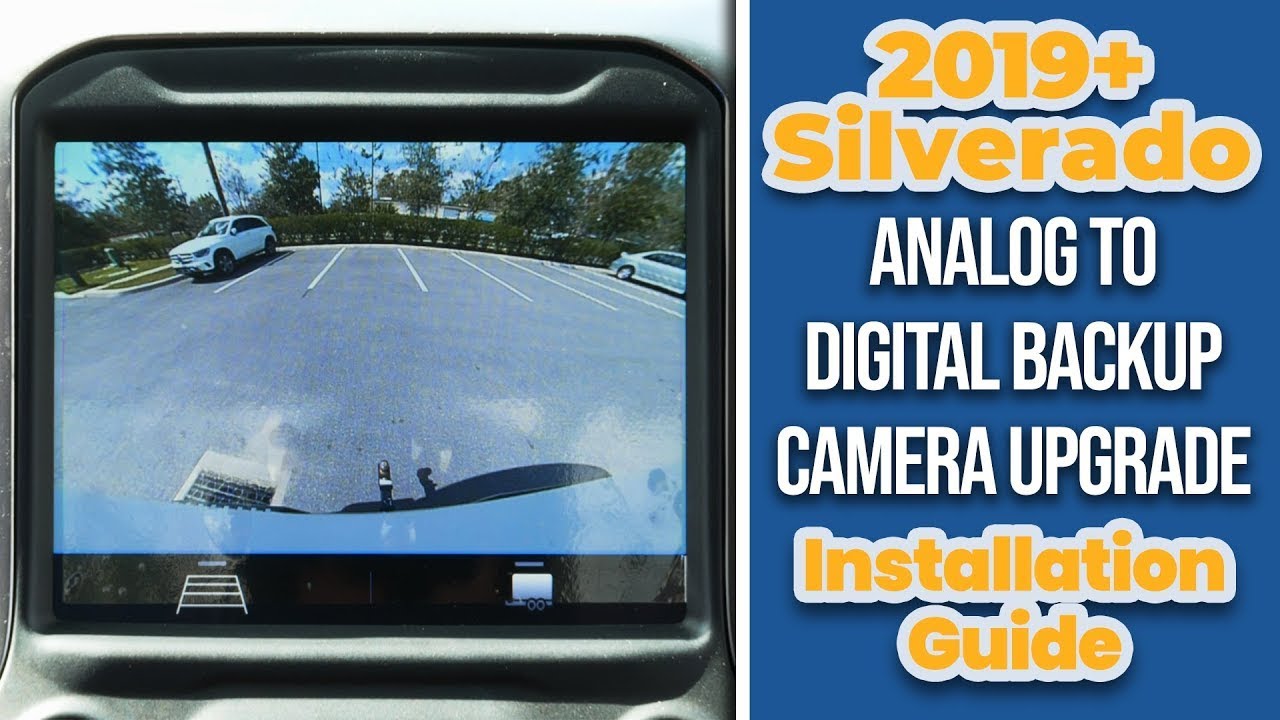
The 2019+ GMC Chevrolet Truck OEM Analog to Digital Backup Camera Upgrade is the ideal solution for taking your factory backup camera capabilities to the next level. Designed with the GMC & Chevrolet original equipment specifications in mind, it’s 100% compatible and plug-n-play installation ensures that you can experience higher resolution images with amazing night vision functionality right away.
With the 2019+ GMC Chevrolet Truck OEM Analog to Digital Backup Camera Upgrade, you won’t have to sacrifice any of your other great features such as your dynamic grid lines or trailer lines--they will still be intact. Plus, you can even add SiriusXM satellite radio capability as a bonus. Don't miss out on this simple but comprehensive way to completely transform your vehicle's camera system from analog to digital and unlock a superior video experience in your pickup.
Manuals and Guides
Product installation
Product installation
Vehicle Compatibility
Vehicle Compatibility
Make
Model
Year
Chevrolet
Colorado
2019-2022
Chevrolet
Silverado 1500
2019-2024
GMC
Canyon
2019-2022
GMC
Sierra 1500
2019-2024
Chevrolet
Silverado 2500
2020-2024
Chevrolet
Silverado 3500
2020-2024
GMC
Sierra 2500
2020-2024
GMC
Sierra 3500
2020-2024
Things to Know
Things to Know
Reviews and Q/A
Reviews and Q/A
Recommended for you

SKU #: C-BDLBSM-20JT


SKU #: G-BDLCAMMIR-21SUV


SKU #: G-BDLCAMMIR-17SUV


SKU #: C-BDLMIR-13


SKU #: F-BDLXG9-23C3


SKU #: C-CAMMIR-JEEP


