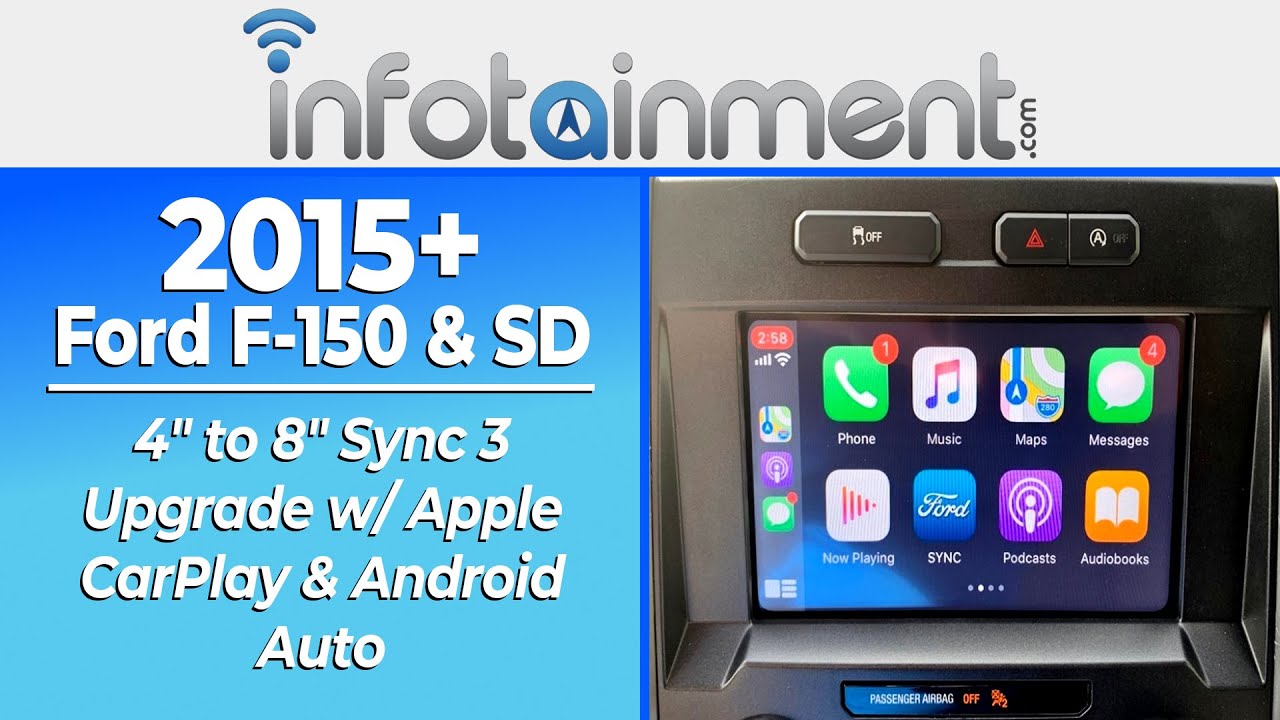
Q: What if my truck is not currently equipped with SYNC?
A: No problem! if your vehicle is not equipped with SYNC from the factory, you will need our additional No-SYNC Completion Kit to complete this upgrade. This kit includes the required wiring harnesses and an external microphone for proper functionality. Please note: vehicles not originally equipped with SYNC will not retain steering wheel phone controls, however all phone and media functions will still operate directly through the touchscreen display. The included microphone will need to be installed on the driver-side windshield pillar. You can purchase the required kit here: Ford SYNC 3 4" to 8" No-SYNC Completion Kit
Q: How do I know if my vehicle is compatible with this specific upgrade?
A: Simply ensure the year range, make, and model of your vehicle matches the title of this advertisement. For a more technical explanation, your vehicle should be equipped with the 4" display [HJGAF0 : MFD High TFT Screen] and equipped with Sync [IEVAB0 : With Sync]. Rest assured, we will also check compatibility based on your specific 17-digit VIN once the order has been placed.
Q: How do I know which USB media hub to select?
A: SuperDuty trucks come with either a small or large USB media hub. Check the size of your existing USB hub then select the matching Sync 3 USB media hub for your specific truck. The replacement USB media hub is required for device charging and Apple CarPlay™ or Android Auto™ use. Refer to the photo below.
Q: What is the purpose of identifying the trailer camera button?
A: SuperDuty trucks equipped with the trailer camera button will have a total of 3 switch allocations on their radio bezel. Those without the trailer camera button will have 2 switch allocations.
Q: How does Android Auto™ work?
A: Android Auto™ connects your compatible Android phone to your vehicle’s screen, letting you use apps like Google Maps and music through the touchscreen and controls. Just plug your phone into the USB port and make sure the Android Auto™ app is installed.
Q: How does Apple CarPlay™ work?
A: Apple CarPlay™ connects your iPhone to your vehicle’s screen, letting you use apps like Apple Maps, music, messages, and calls through the touchscreen or Siri. Just plug in your iPhone with a Lightning cable and make sure Siri is enabled.
Q: Will GPS navigation (if purchased) work immediately after installation?
A: Yes. Make sure the blue GPS connector is securely plugged into the new module. After installation, simply drive the vehicle for a few minutes to allow it to connect to GPS satellites and accurately determine your location.
Q: My vehicle has manual climate controls—will this add on-screen climate controls?
A: No. Adding automatic/on-screen climate control isn’t a cost-effective upgrade for vehicles with manual controls.
Q: Will it work with my factory SiriusXM® satellite radio?
A: Yes, it comes pre-programmed to work with your vehicle’s factory-installed SiriusXM® system. If your vehicle isn’t equipped, compatible upgrade kits are available for all models. Use our Year-Make-Model search to find upgrades tailored to your specific vehicle.
Q: Will my steering wheel audio controls still work?
A: Yes, the system is pre-programmed to retain full functionality of your factory steering wheel-mounted audio controls.
Q: Is my factory backup camera compatible?
A: Yes, it works with your existing factory rearview backup camera. If your vehicle does not have one, an optional plug-and-play Ford truck tailgate handle backup camera is available. Ford SuperDuty Tailgate Handle Backup Camera Kit
Q: Will Bluetooth hands-free calling still function?
A: Yes, it is pre-programmed to work with your factory Sync® Bluetooth hands-free calling. Simply pair your phone to the new system.
Q: My work-truck XL is equipped with the 4" display and IEVAA5: Less Sync, can I still upgrade?
A: Yes. Additional parts are required and available to purchase separately. Use our Year-Make-Model search to find upgrades tailored to your specific vehicle.
Q: Do I need to inform Infotainment if my vehicle has aftermarket additions?
A: Yes. If your vehicle has non-factory additions, let us know in your Shopping Cart “Order Notes” so we can properly program and enable any required features that may not be present on your vehicle’s original build sheet.